
For Minecraft: Java Edition
Get Glimy
The free launcher with its own client. Mods and shaders right in the launcher, a HUD you build your way, and no tracking.
Alpha There is no download yet. It comes here, free for Windows, as soon as the first beta build is finished and signed.
Why Glimy
Four reasons to switch
Lightweight in game
Before every release we measure how much performance Glimy needs in game. For weak PCs the menu has a light mode, and Sodium and Iris can come along if you want.
Your look
Change your skin, arm model and cape right in the launcher, with a 3D preview you can turn. On top you get the Glimy skin, the Glimy cape and the small Glimy logo behind your name in the tab list.
Mods and shaders from Modrinth
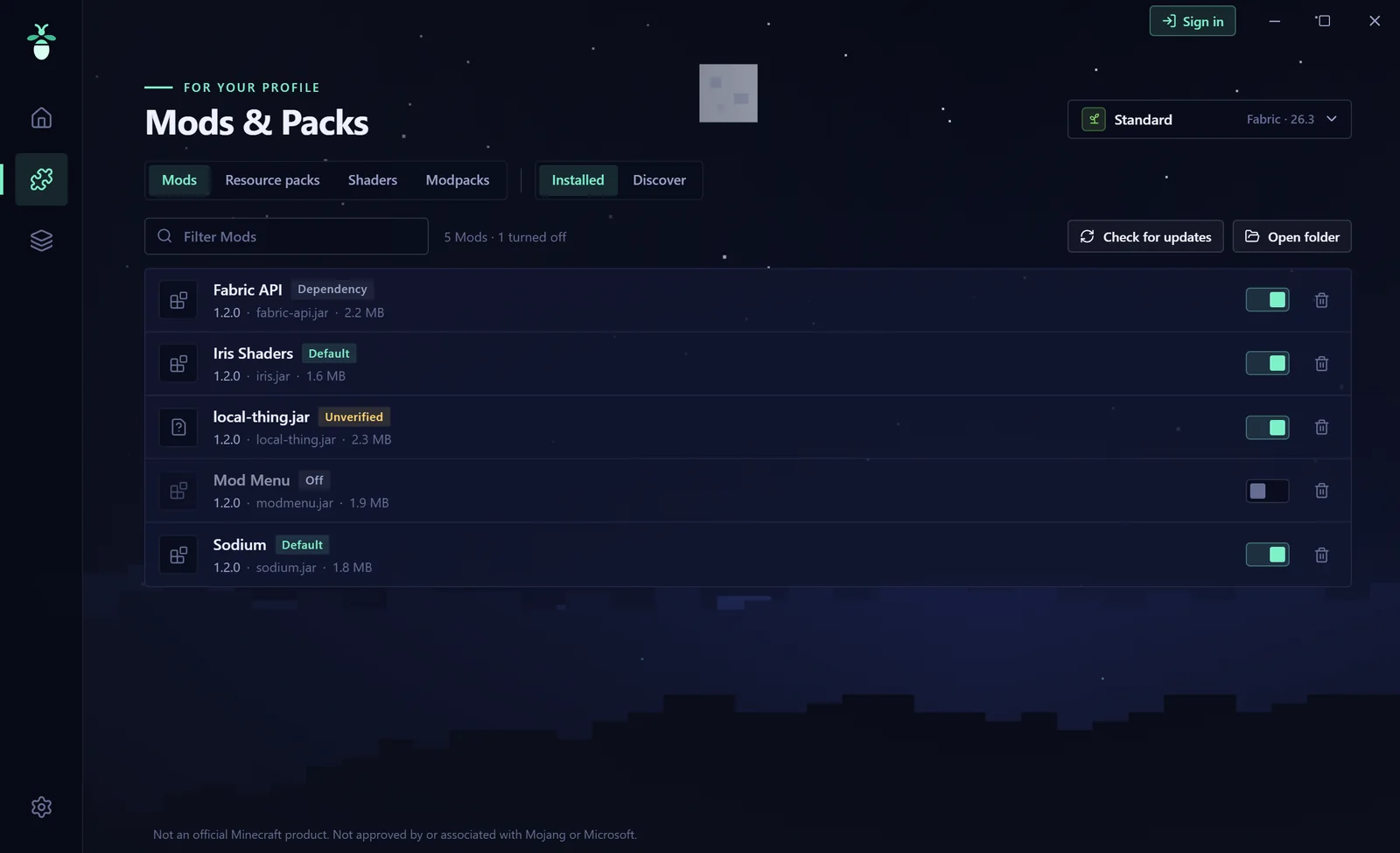
Search and install in the launcher, with dependencies, updates and modpacks. You can even find resource packs in game, and shaders too with Iris.
Safe and fair
You sign in with Microsoft, Glimy never sees your password. Every file comes from fixed sources and is checked against its checksum. No ads, no telemetry, no cheats.
In game
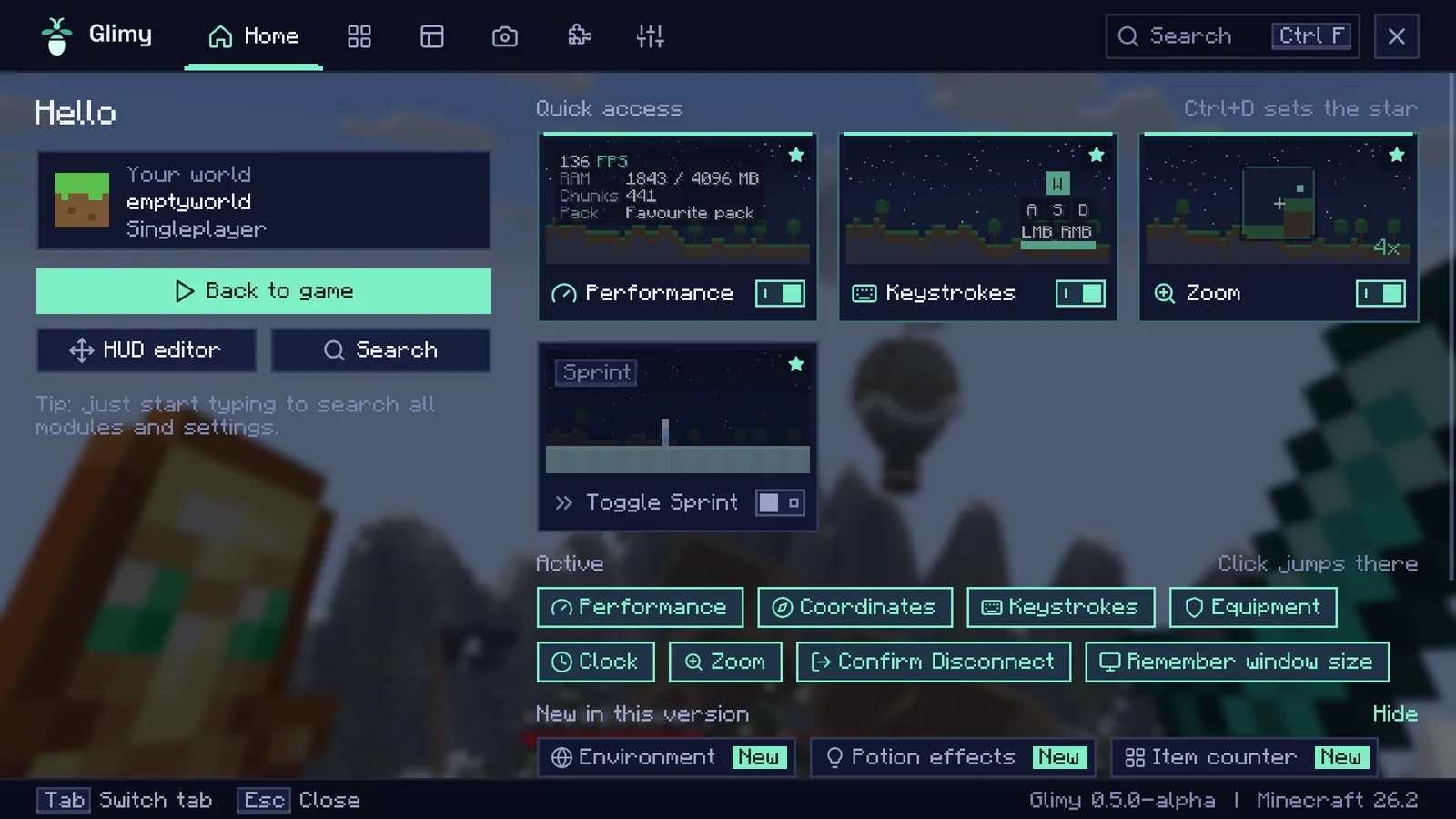
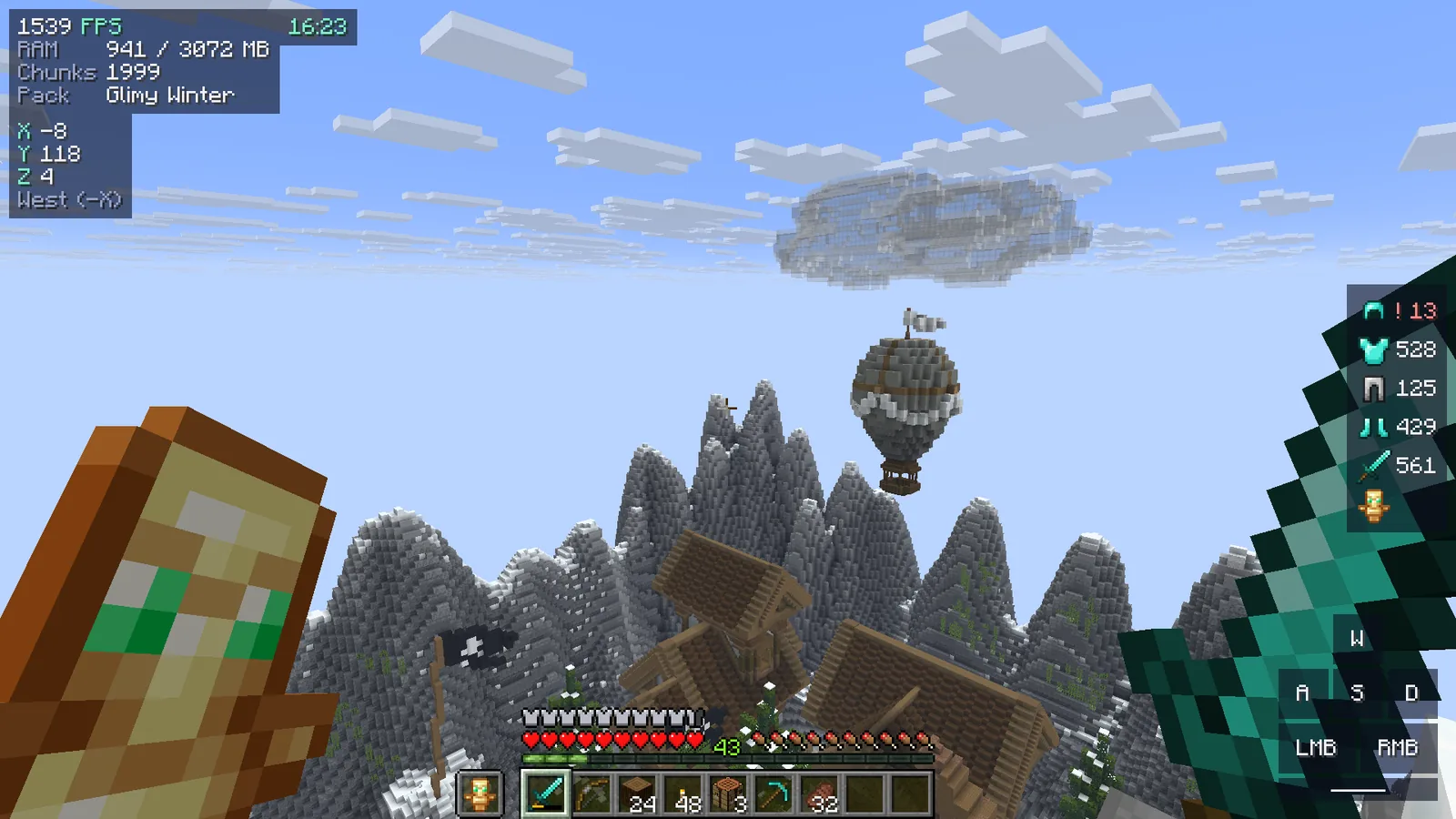
This is Glimy
Quick answers
Before you download
What does Glimy cost?
Nothing. Glimy is free and has no ads. All you need is your own copy of Minecraft: Java Edition.
Is Glimy safe?
You sign in on Microsoft's own page, Glimy never gets your password. Your sign-in stays encrypted on your PC only. Game files, mods and packs only come from Mojang, Fabric and Modrinth and are checked. Only download Glimy from glimyclient.com, glimy.de, getglimy.com or getglimy.de.
Can I use Glimy on servers?
Glimy has no cheats and nothing that gives you an unfair advantage. Every server has its own rules though, some do not allow zoom or any mods at all. Read the server's rules before you play.
Which Minecraft versions does Glimy run on?
The Glimy client runs on every version of Minecraft 26 (26.x). The launcher also starts other versions, vanilla and Fabric, then without the Glimy mod.
What do I need?
Windows 10 or 11 (64-bit) and your own paid copy of Minecraft: Java Edition. You do not need to install Java, Glimy fetches the right version itself. You can bring your worlds and mods along into a profile of their own.
No download yet
Until then glimyclient.com shows every feature and where Glimy stands.